MITSaaS starter
django-saas-boilerplate
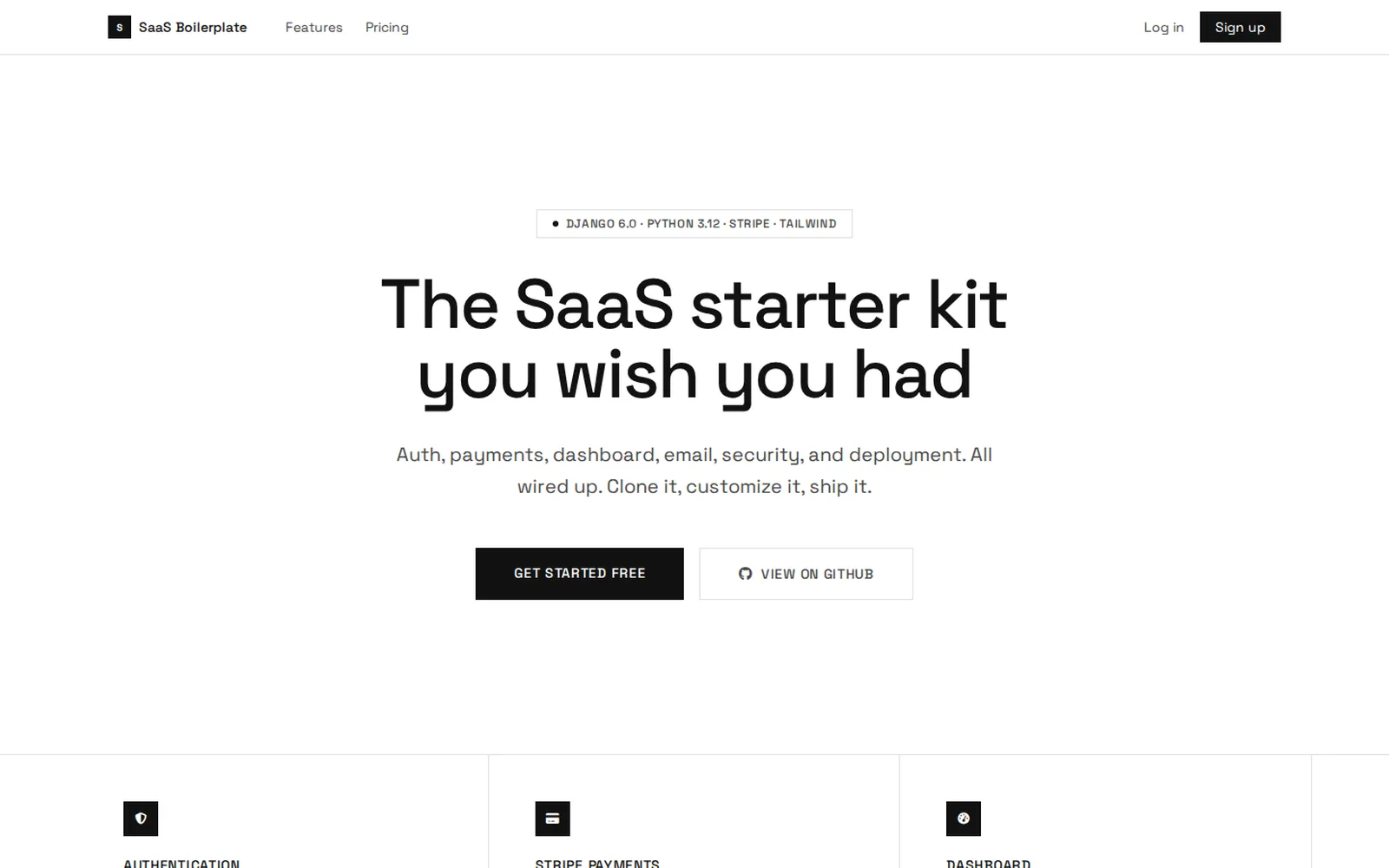
A finished Django 6 SaaS starter, ready to deploy.
It ships what every SaaS needs on day one: signup, email login, a dashboard, Stripe billing, and a public site. You start building the product instead of spending weeks on setup.
- Stars
- 252
- Forks
- 70
- Language
- Python / Django
- License
- MIT
- 252
- GitHub stars
- 70
- forks by developers building on it
- 67
- automated tests, with Stripe mocked
- MIT
- license: use it, change it, and sell it with no attribution
The challenge
Every new SaaS loses its first weeks to the same work: user accounts, email verification, password reset, subscriptions, the Stripe webhook, security headers, and deployment. None of it is the product, but without it you cannot charge your first dollar.
The templates that circulate tend to promise more than they do. The first version of this very repository proved it: with unpinned dependencies, a fresh install pulled a Stripe version that broke checkout, and the example secret key and admin password were published in the repository.
What we built
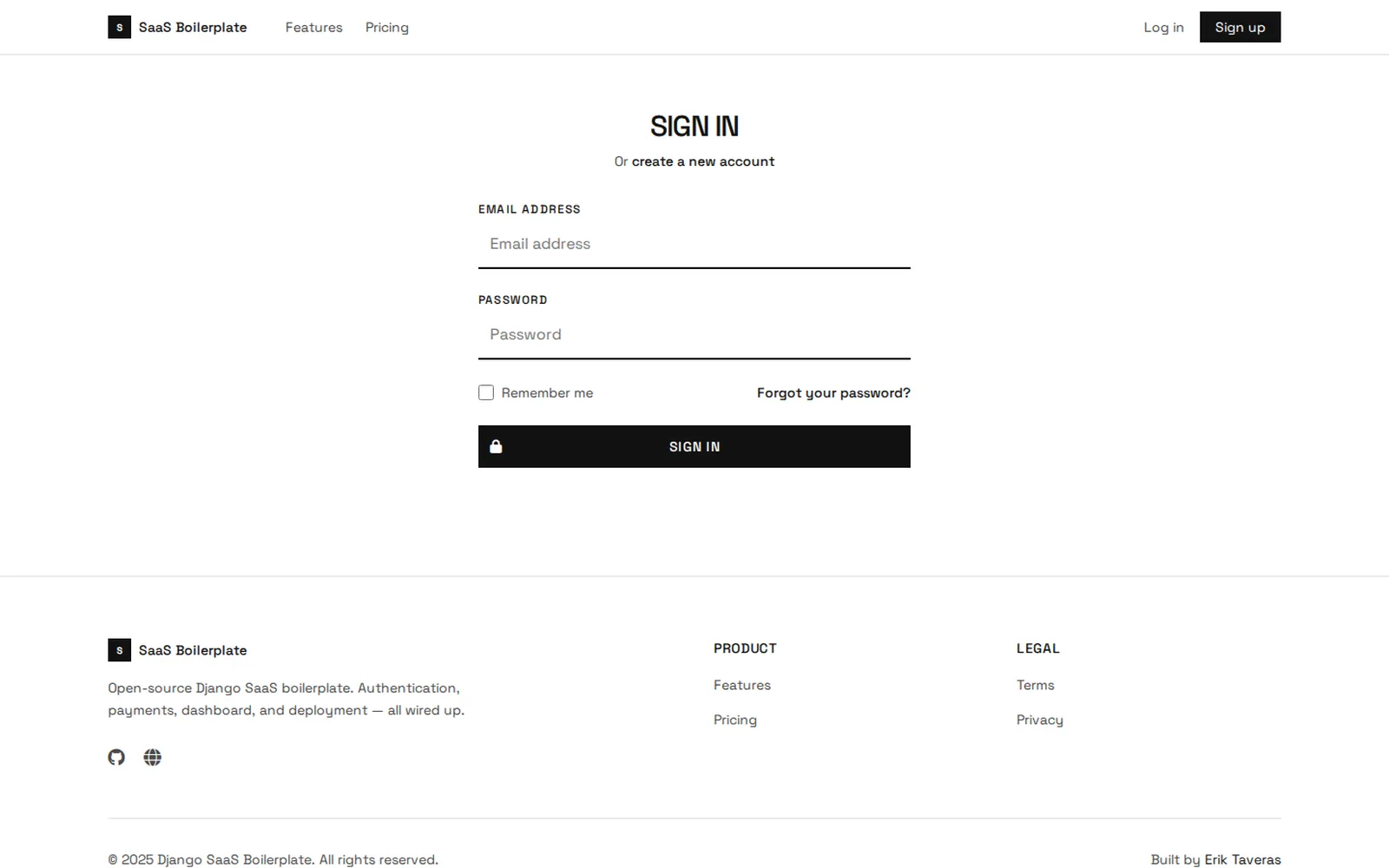
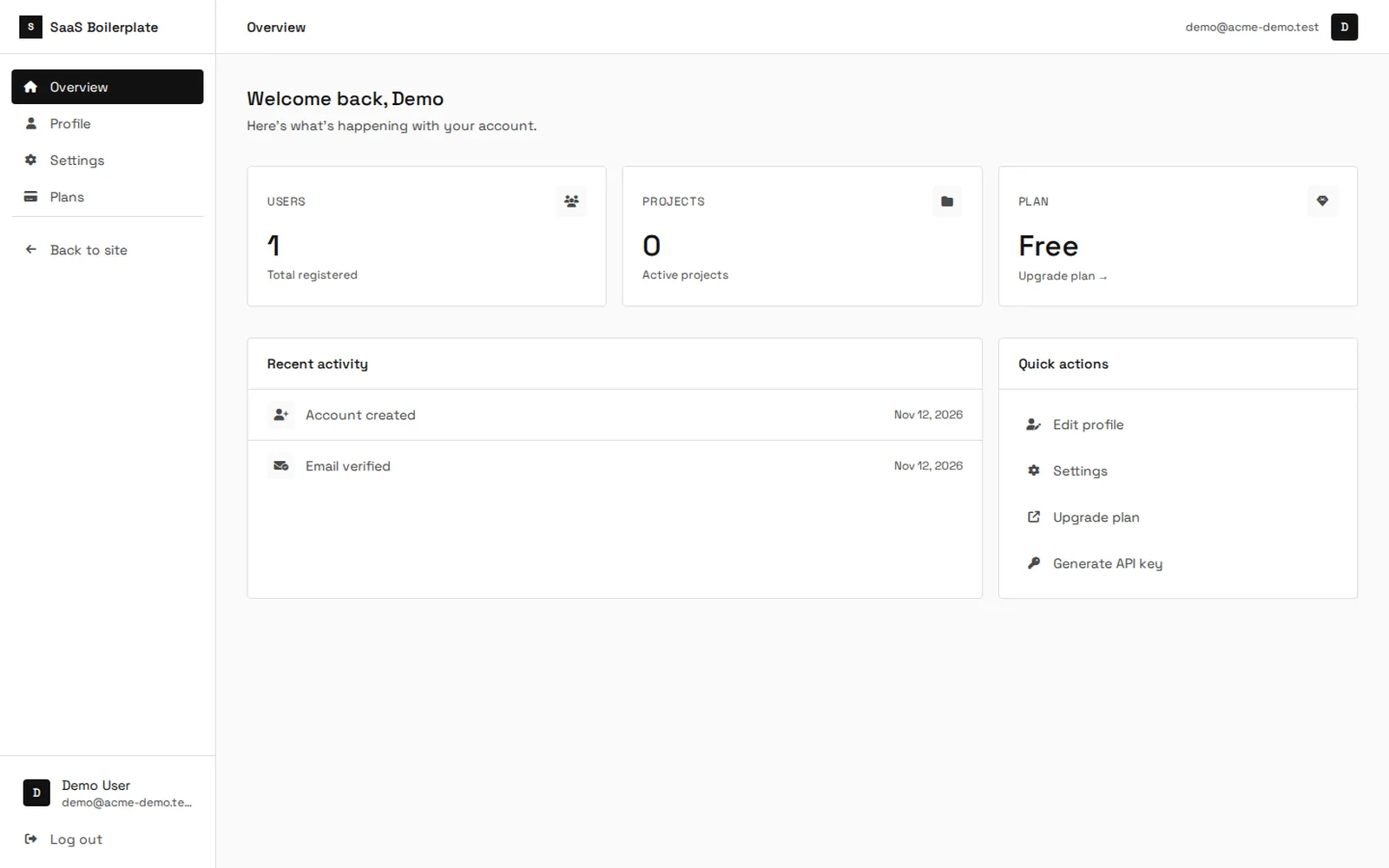
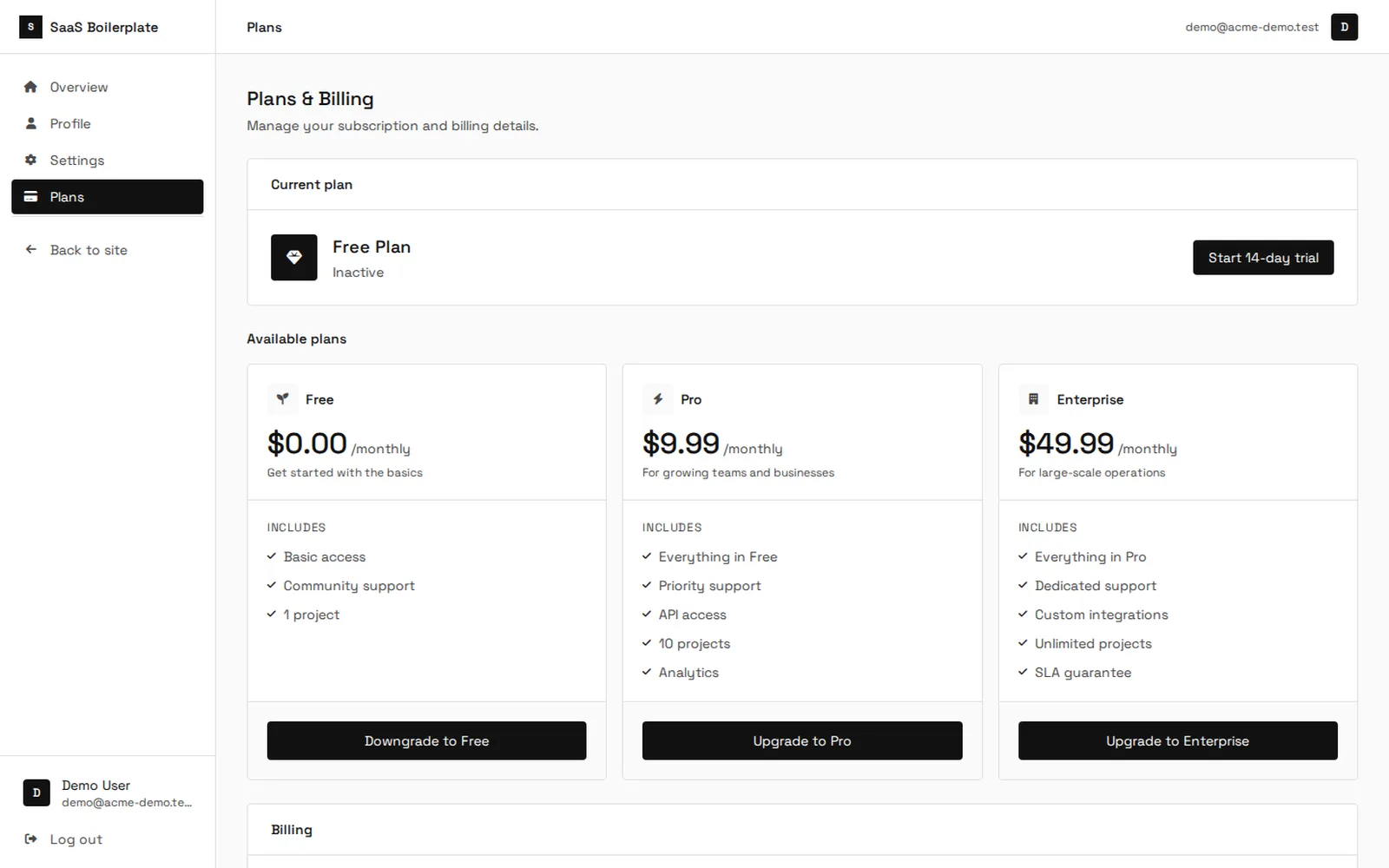
We built a small, finished starter on Django 6: a custom user with email-only login (django-allauth, 21 styled templates), a dashboard with profile, settings, and API keys stored as SHA-256 hashes and shown once, admin-managed plans with a trial period, and public home, features, and pricing pages.
Billing uses Stripe's Payment Methods API, a pinned API version, and a signed webhook. Payment and access stay in step: paying activates the plan, and cancelling cancels at Stripe, not just in the database. Django 6's native Content Security Policy runs with nonces and allows Stripe through so 3-D Secure checks work.
Every choice favors simplicity: Tailwind and Alpine from a CDN so setup is one command, emails through Django 6's native @task(), SQLite in development and PostgreSQL via DATABASE_URL in production, with Gunicorn and WhiteNoise ready for Railway, Heroku, or a VPS. The README is just as clear about what it leaves out: teams, per-plan limits, a REST API, and Docker.
What it looks like
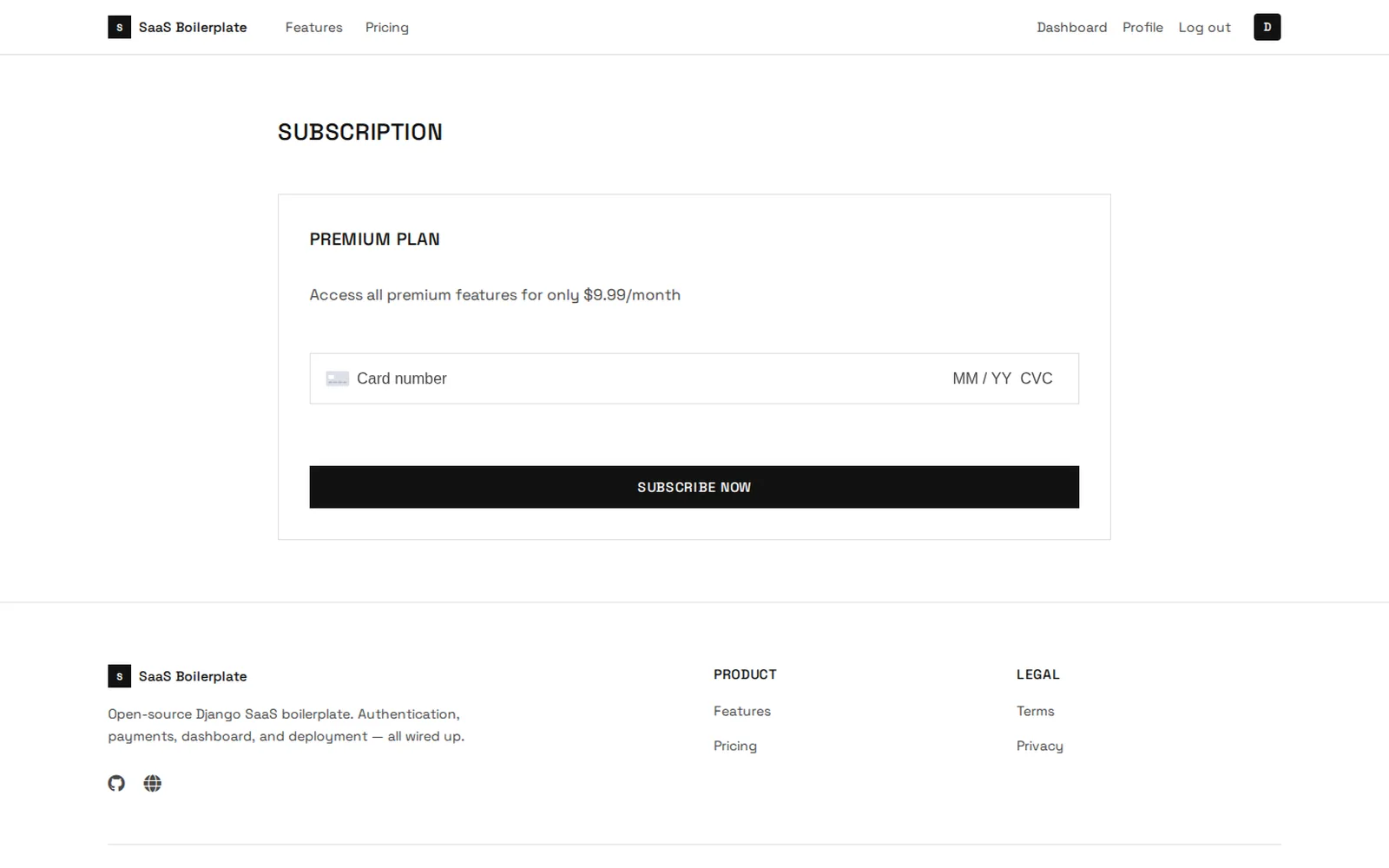
WHO IT'S FOR
- Developers launching a Django SaaS who do not want to rebuild accounts, payments, and deployment.
- Small teams and agencies who need a tested base for a client's MVP.
- Anyone learning Django who wants to see how Stripe connects with webhooks, CSP, and tests in a real project.
WHAT IT DOES
- Custom user with email-only login, verification, and password reset via django-allauth, across 21 styled templates.
- Stripe subscriptions: Payment Methods API, a pinned API version, and a signed webhook.
- A dashboard with profile, notification settings, and API keys that are stored hashed and shown once.
- Admin-managed plans with trial support, plus public home, features, and pricing pages.
- Django 6 native Content Security Policy with nonces, HSTS, and secure cookies in production.
- 67 tests covering accounts, dashboard, landing, checkout, and the Stripe webhook, with Stripe mocked.
How it's built
- Accounts CustomUser with email login and django-allauth for signup, verification, and passwords.
- Subscriptions The subscriptions app creates checkout and receives the signed webhook that updates the user's status.
- Dashboard and landing Django templates with Tailwind, Alpine.js, and HTMX, with no build step.
- Tasks Emails go out through Django 6's native @task(), run immediately with ImmediateBackend.
- Deployment Gunicorn, WhiteNoise, and a Procfile; SQLite in development and PostgreSQL via DATABASE_URL in production.
Stack
DjangoPythonStripePostgreSQLHTMXTailwindAlpine.js
Why we built it
It is the open version of DjangoBlaze: it shows how Taveras Solutions ships a deliberately scoped product, tested and with its limits documented.
Getting started
git clone https://github.com/eriktaveras/django-saas-boilerplate.git
cd django-saas-boilerplate && make install
cp .env.example .env && make migrate && make seed
make run  # open http://localhost:8000
WHAT WE LEARNED
- Pinning versions is part of the product. One unranged dependency broke checkout months later, on someone else's machine; now every package is pinned to the range the tests cover.
- In a public repository, every default is a published value. The secret key and admin password stopped having fixed values, and the v1.1.0 release told anyone who had already deployed it what to rotate.
- Saying what is missing builds more trust than overpromising. The README lists what the starter does not do, so each team can decide what to build on top.
Need something like this built for you?
We use these same tools in our client projects.
Other open source projects
- AI invoicing InvoiceFlow AI invoicing for the Dominican Republic: OCR, DGII tax alerts (ITBIS, dates, 606 data), invoices over WhatsApp, and 606 exports.
- macOS app ModelNap A menu bar app that puts idle local Ollama models to sleep and gives your Mac its memory back. Signed and notarized.
- Python / Django SocialStarter A Django template for social networks: profiles, feeds, and notifications.