MIT (the ModelNap name and logo are reserved)macOS app
ModelNap
A menu bar app that puts idle Ollama models to sleep and gives your Mac its memory back.
A 20 to 30 GB local model keeps holding RAM even when you are not using it. ModelNap unloads it when idle and turns Ollama on or off in one click, no Terminal needed.
- Stars
- 24
- Forks
- 3
- Language
- Swift
- License
- MIT (the ModelNap name and logo are reserved)
- 292
- installer .dmg downloads (v1.2.1 and v1.3.0)
- 13 días
- from v1.0.0 to v1.3.0, with 5 published releases
- 14
- automated tests for idle detection, run on GitHub Actions
- 24
- GitHub stars and 3 forks
The challenge
Running AI on your own Mac has a hidden cost: a 20 to 30 GB model keeps holding memory even when nobody is asking it anything. The rest of the day the machine drags, and the only way out was the Terminal.
Turning Ollama off was not simple either. It depends on how it was installed, and if you do it the wrong way macOS starts it again on its own. Ollama also does not report when the last request happened, so there was no direct way to know the model was idle.
What we built
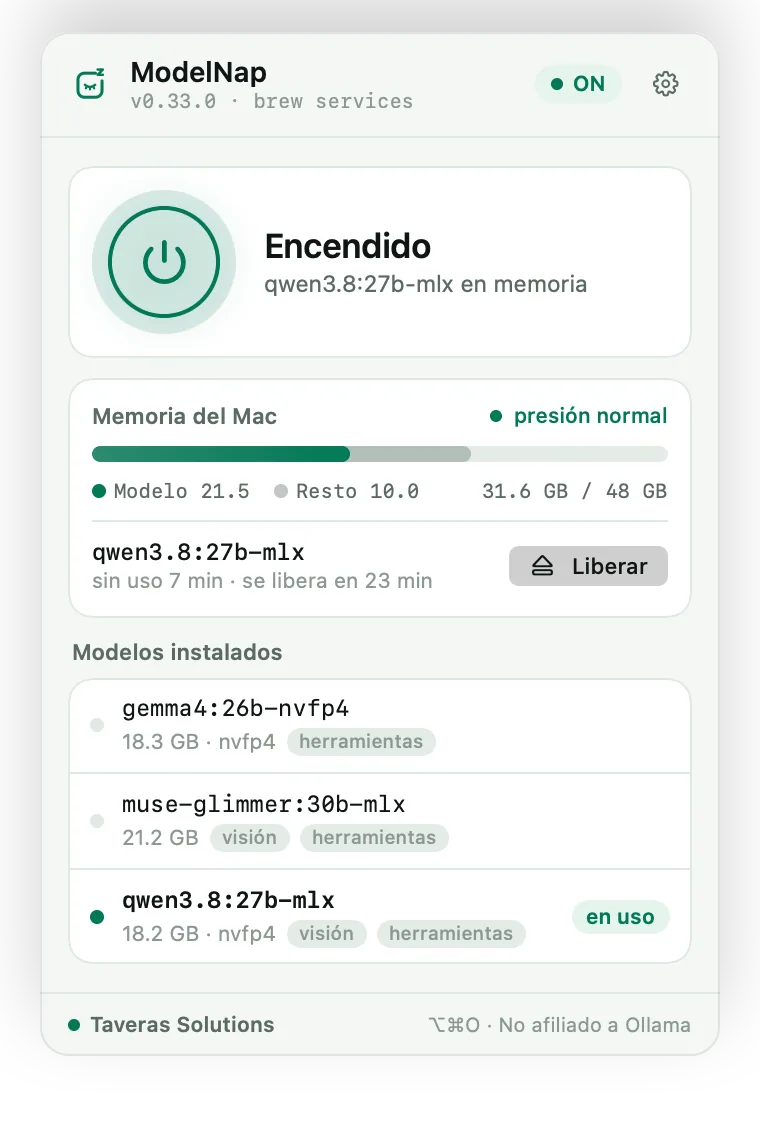
We built a menu bar app in Swift (AppKit and SwiftUI) that turns Ollama on and off in one click or with the ⌥⌘O shortcut. It detects whether Ollama comes from Ollama.app, brew services, your own LaunchAgent, or a manual ollama serve, and stops it the same way so it does not come back.
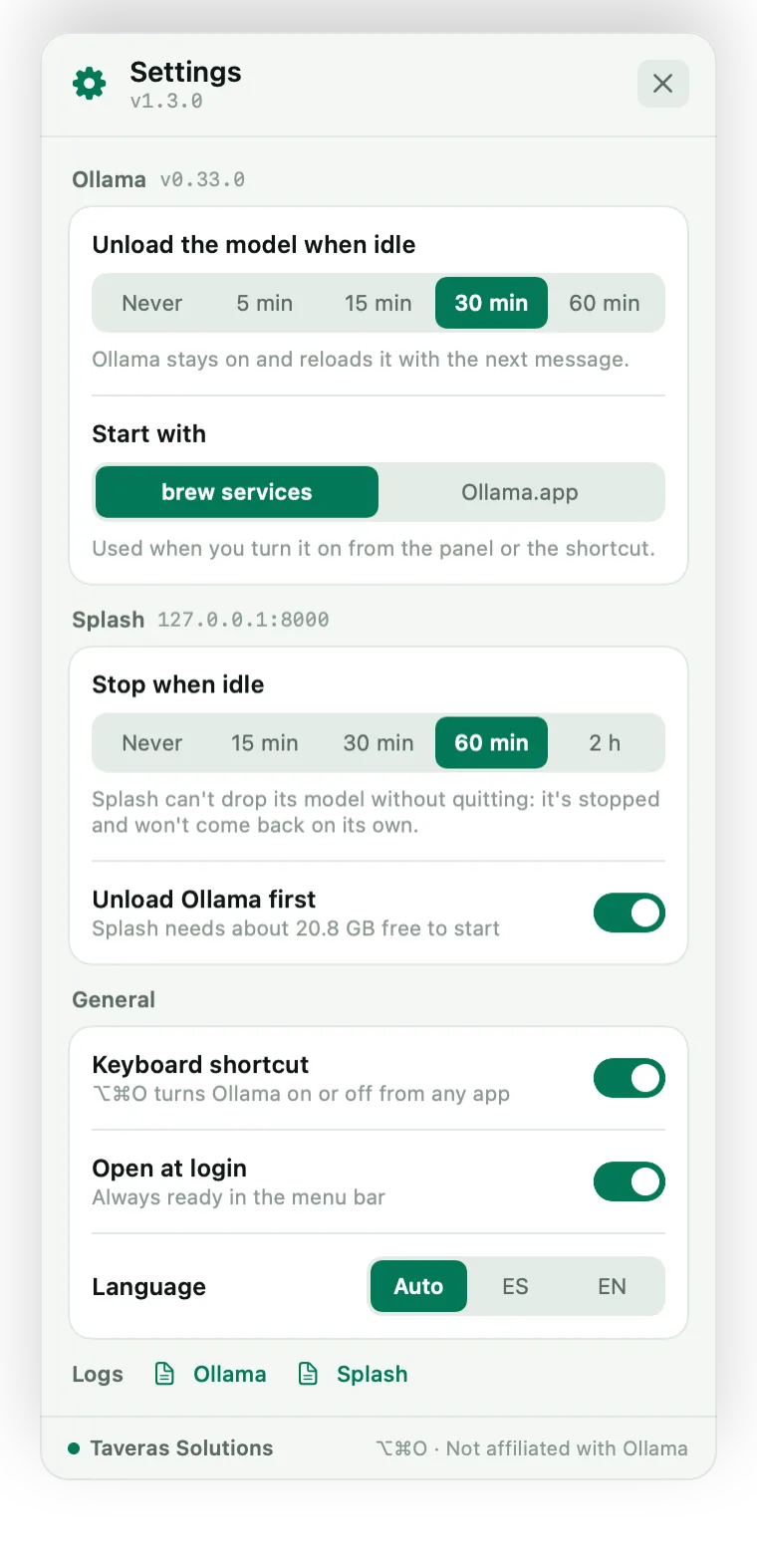
To know whether the model is idle we measured before writing code: with gemma4 26B on an Apple M5 Pro, the model process uses 0.06 s of CPU in 30 s of rest and 0.99 s generating 104 tokens. With that, the app adds up CPU time every 2.5 s and, after 5, 15, 30, or 60 minutes without activity, unloads the model. Ollama stays on and reloads it with the next message.
We also tried the App Store and ruled it out with data: with the sandbox on, launchctl returns Bad request and signals to other processes fail. That is why ModelNap ships signed with a Developer ID and notarized by Apple, as a universal binary for Apple Silicon and Intel, with no accounts or telemetry.
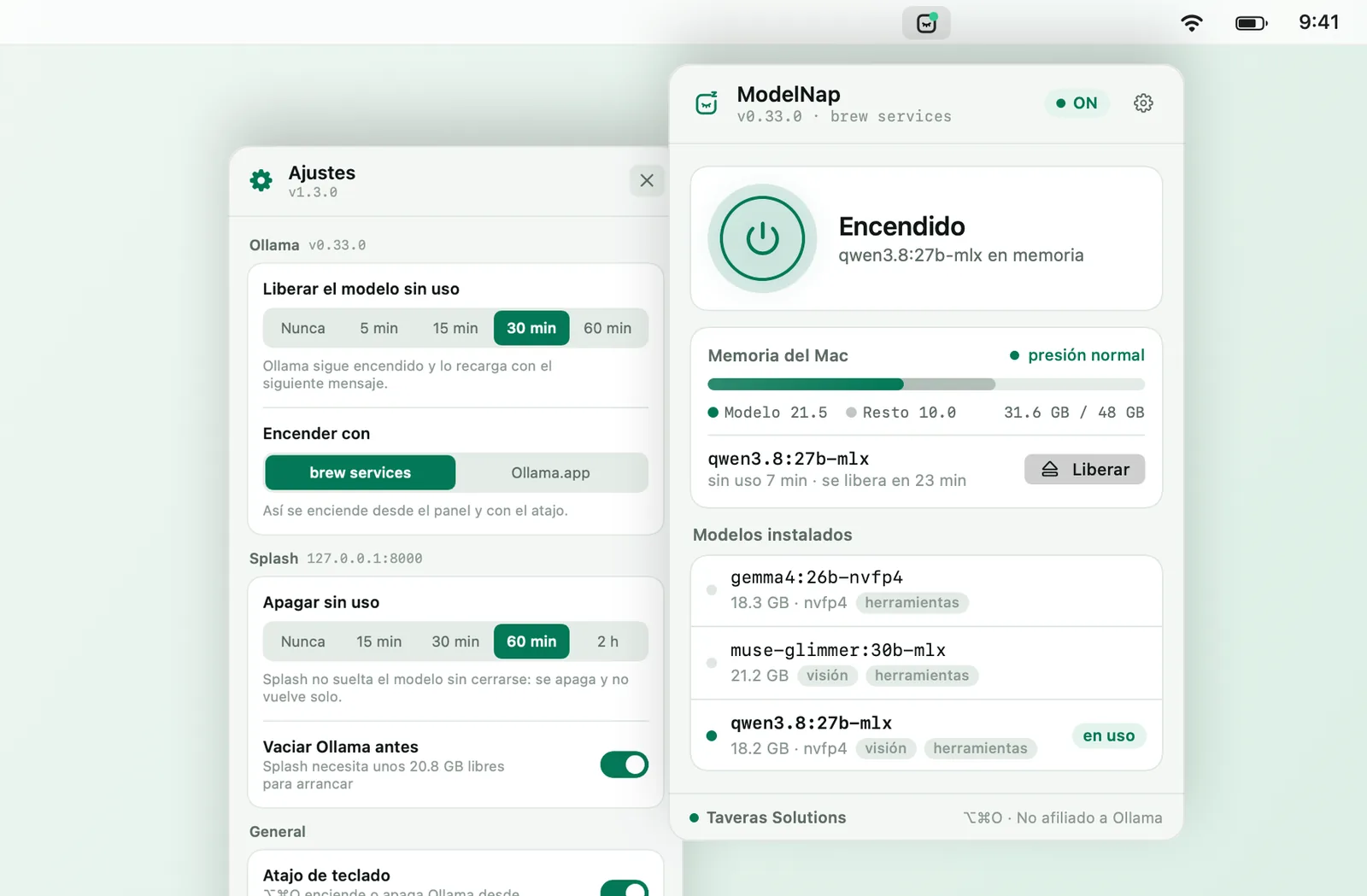
What it looks like

WHO IT'S FOR
- Professionals and teams who run local AI models on a Mac for privacy or cost, and need that memory for the rest of their work.
- Anyone using Ollama or Splash who does not want to open the Terminal to turn them on, off, or see what is loaded.
- Developers looking for an example of a native macOS app built with swiftc and no Xcode project, signed, notarized, and MIT licensed.
WHAT IT DOES
- Turns Ollama on and off from the panel or with the global ⌥⌘O shortcut.
- Detects whether Ollama comes from Ollama.app, brew services, your own LaunchAgent, or ollama serve, and stops it the same way.
- Frees the model after 5, 15, 30, or 60 minutes without generating; Ollama stays on and reloads it with the next message.
- Shows RAM in use, how much of it is the model, and the system's memory pressure.
- Also controls Splash: starts it, reads its real memory from /status, and stops it when idle.
- In English and Spanish, signed and notarized by Apple, with no accounts or telemetry.
How it's built
- Menu bar app AppKit and SwiftUI compiled straight with swiftc, with no Xcode project.
- Mechanism detection Ollama.swift looks for Ollama.app, a loaded LaunchAgent, or ollama serve, and uses launchctl or signals accordingly.
- Idle detection Every 2.5 s it adds up the CPU time of the ollama runner processes; a rise above 0.08 s counts as activity.
- Mac memory SystemMemory.swift calculates RAM in use the way Activity Monitor does and reads system pressure.
- Distribution package.sh signs with the hardened runtime, notarizes, and staples the app and the .dmg; GitHub Actions builds every change.
Stack
SwiftSwiftUImacOSOllama
Why we built it
It comes from measuring before building: runner CPU time to detect idleness and the App Store sandbox to rule it out. It is a native Taveras Solutions app, from idea to notarization.
Getting started
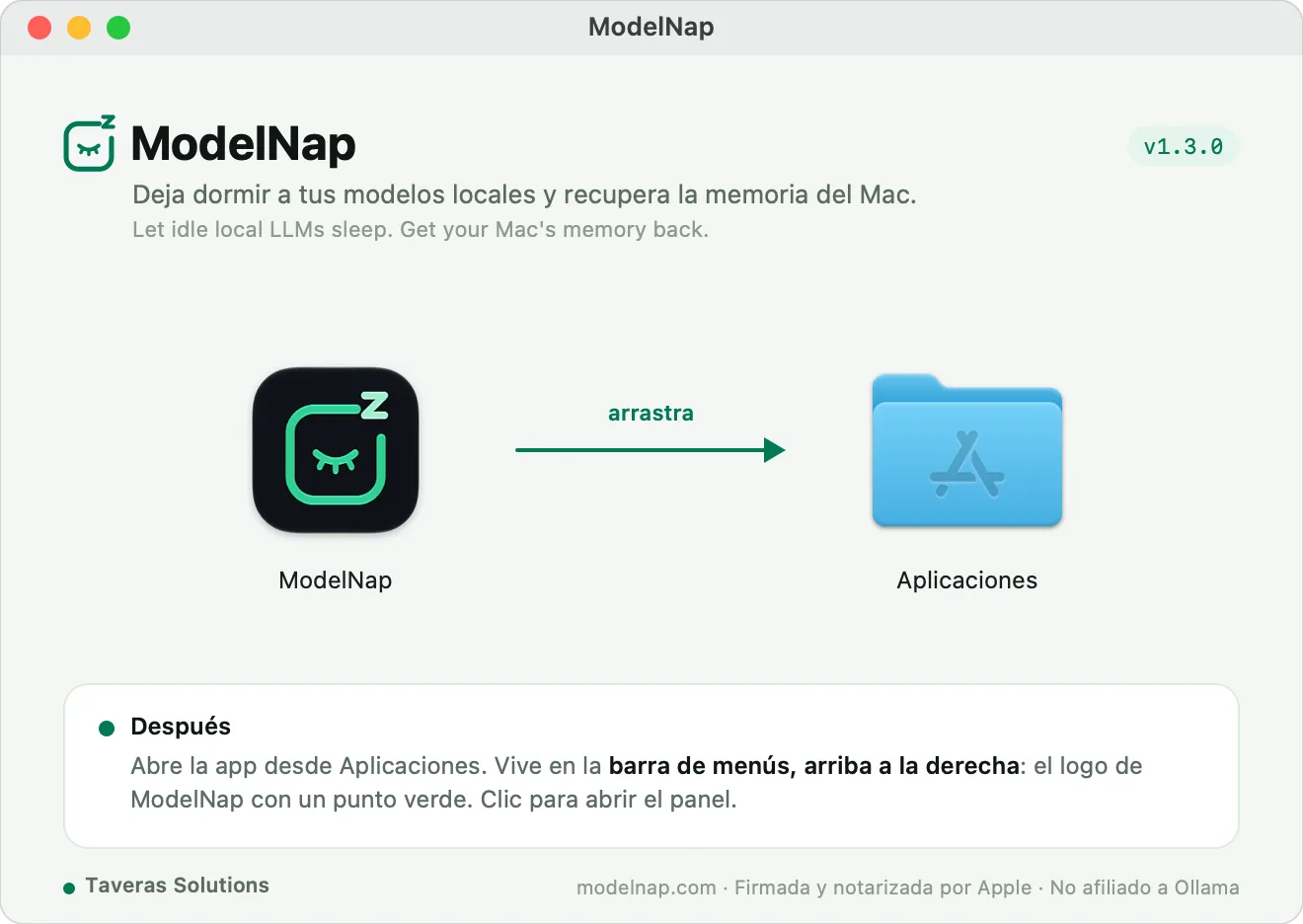
Download the .dmg from github.com/eriktaveras/modelnap/releases/latest
Drag ModelNap to Applications and open it: it shows up in the menu bar
To build: ./build.sh
To run the IdleTracker tests: ./build.sh --test
WHAT WE LEARNED
- Measure before coding: the model process's CPU time solved something the Ollama API does not provide. With Splash the trick did not work, because it generates on the GPU and barely uses CPU, so there we count requests from its /status.
- Each install method needs its own way to stop. Ollama.app 0.34 refuses a quit request from another app, and turning it off took 10 s and ended in a force quit; with SIGTERM after 2 s it closes cleanly in about 2.3 s.
- Not every Mac app fits the App Store. Testing the sandbox before planning distribution saved us from building for a channel that does not allow controlling other processes.
Need something like this built for you?
We use these same tools in our client projects.
Other open source projects
- SaaS starter django-saas-boilerplate A Django 6 SaaS starter: email login, Stripe subscriptions, a dashboard, CSP, and 67 tests. Ready to deploy.
- AI invoicing InvoiceFlow AI invoicing for the Dominican Republic: OCR, DGII tax alerts (ITBIS, dates, 606 data), invoices over WhatsApp, and 606 exports.
- Python / Django SocialStarter A Django template for social networks: profiles, feeds, and notifications.